
MBX Flow is on Zapier, with templates you can use today
Turn feed items into drafts, keep a publishing history and notify your team. Four public Zapier templates help connect MBX Flow with the apps you already use.
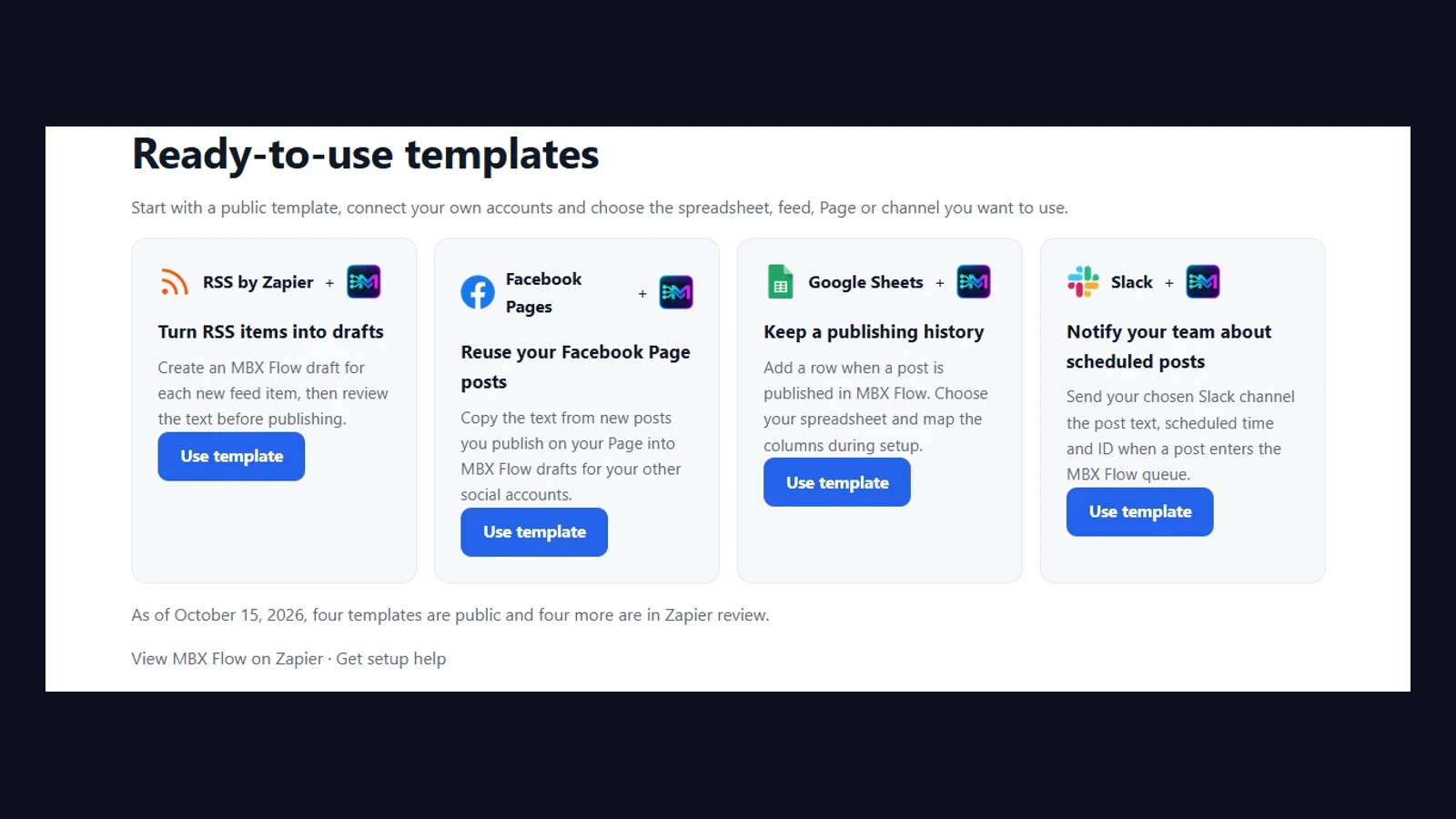
Your publishing work often starts outside the social editor: an item in a feed, a post on your Facebook Page or a team that needs to know what is scheduled. MBX Flow is publicly available on Zapier, with four templates that connect those everyday tasks.
Four useful starting points
- RSS: turn a new feed item into an MBX Flow draft, ready for you to review.
- Facebook Pages: reuse the text of new posts from your own Page as drafts for your other social accounts.
- Google Sheets: add a row when a post is published in MBX Flow, creating a publishing history.
- Slack: notify a chosen channel when a post enters the MBX Flow schedule, with its text and scheduled time.
Choose a template and make it yours
Start with the task that repeats most often. Pick a public template, connect your accounts and choose the feed, Page, spreadsheet or Slack channel it should use. Review what the workflow will do before turning it on.
Drafts are a useful starting point when each message needs a human edit. A scheduled-post notification tells your team that a post is queued; the Google Sheets publishing-history template records it after publication. Choose the event that matches what your team needs to know.
Part of the connected workspace
Zapier joins MBX Flow’s connections with Make and n8n, giving you another way to bring your publishing work together with your existing apps. The four templates are already public, so you can explore them today.
Explore the four Zapier templates
Learn more
Explore the product and follow its latest updates.